
Fall has a way of changing a household’s routine all at once. School schedules settle in, workdays get busier, activities run later, holiday travel starts to take shape, and daylight fades earlier each evening. For East Tennessee homeowners, these shifts are a good reason to revisit how their home security system supports everyday life.
That is where smart home security automation comes in.
The goal of smart home security automation is simple: make it easier to know what is happening at home, control important devices remotely, and create routines that fit your family’s schedule. When security, cameras, locks, lighting, and alerts work together, homeowners can spend less time managing separate devices and more time focusing on their day.
Start With a Smart Home Security Automation Routine
The best security setup reflects how your household actually moves through the day.
Before adjusting settings or adding devices, think through a typical weekday:
- What time does the last person leave for school or work?
- Who arrives home first?
- Which doors are used most often?
- Is the garage ever left open during a busy morning?
- Are children arriving home before a parent or caregiver?
- Does anyone regularly travel for work, school, or activities?
- Which entry points are harder to see after dark?
These answers can help determine which alerts are useful and which routines would create more convenience. For example, a family may want a notification when a child’s user code disarms the system after school, an alert if the garage door is left open, or a reminder to arm the system at bedtime.
Smart home security automation works best when it is built around the moments that matter most to your household: leaving for work, children arriving home, closing the garage, settling in for the night, or traveling for the weekend. Start with one or two useful alerts or routines, then adjust them as your schedule changes.
Use Your Home Security App With Purpose
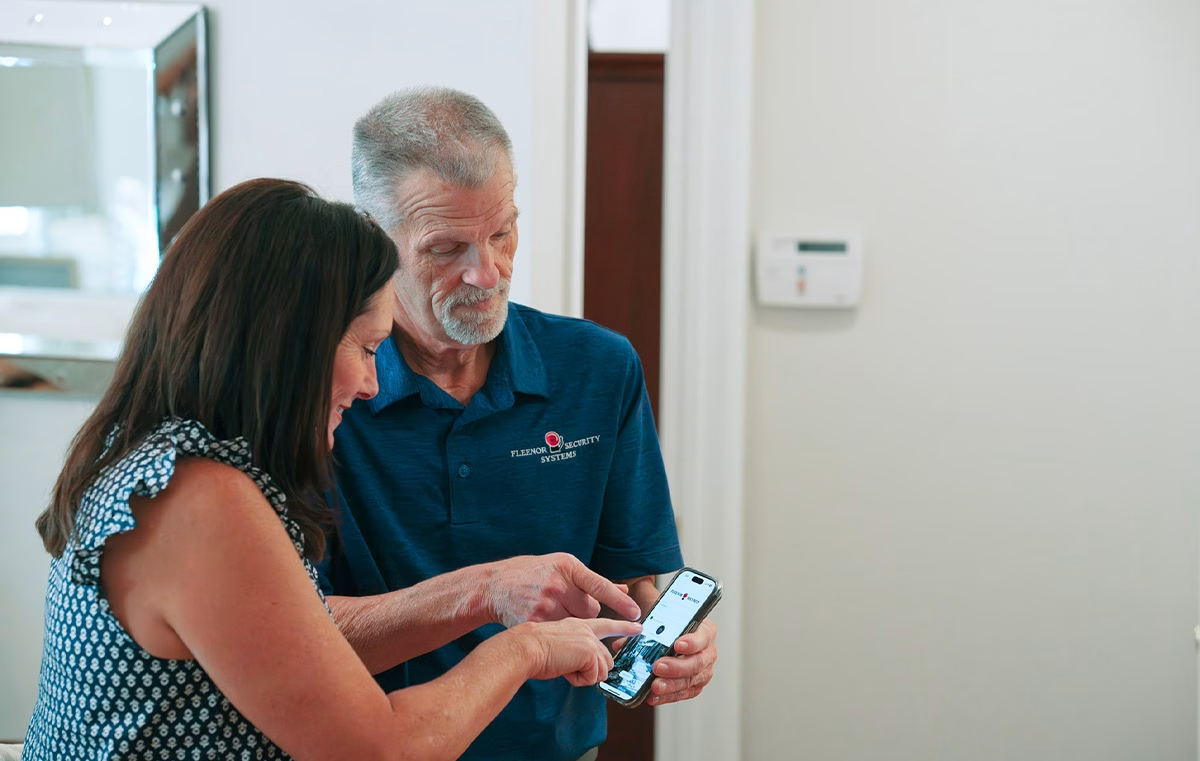
A home security app can let you check system status, arm or disarm the alarm, review alerts, and manage compatible connected devices on a phone or tablet. The most useful setup is one that provides the information you need without triggering unnecessary notifications.
Consider setting up:
- Remote arm and disarm access for authorized adults, so you can check whether the system is armed or manage it if plans change.
- Individual user codes for family members and trusted visitors, rather than sharing one code throughout the household.
- Activity notifications for selected doors, windows, or other devices that matter most to your routine.
- Event history to review when the system was armed, disarmed, or triggered.
- Temporary access codes for a dog walker, house sitter, or visiting family member, when supported by your system and connected locks.
A simple rule: reserve urgent alerts for the events that need your attention. Routine information can be reviewed in the app’s activity history instead of interrupting your day.
Bring Visibility to Busy Entry Points
Fall can make front-door and driveway activity harder to see, especially when practices, appointments, and errands extend into the evening. A video doorbell or outdoor camera can help you check activity without opening the door or rushing home.
Cameras support awareness, but they work best alongside basic habits: keeping doors and windows locked, using well-maintained exterior lighting, and ensuring family members know not to open the door for unexpected visitors.
Use Smart Home Security Automation That Fits Fall
Smart home security automation connects security actions with daily routines. Rather than controlling each device separately, homeowners can create a “scene” that triggers several compatible actions at once. A well-designed routine can help make the home feel prepared for busy mornings, after-school arrivals, and earlier fall evenings.
Fall-friendly automations may include:
- Scheduling exterior lights to turn on around sunset.
- Turning on an entry light when a compatible door opens after dark.
- Receiving a notification if a garage door remains open.
- Adjusting a compatible thermostat when the system is armed for away mode.
- Using compatible smart locks to create and manage access codes for family and trusted visitors.
Automation should never interfere with safe exiting or emergency procedures. Test new routines while everyone is home, confirm that household members understand how devices work, and keep physical keys accessible when appropriate.
Keep Life Safety in the Plan
A smart home security system can support more than intrusion protection. Compatible monitored smoke, carbon monoxide, and flood devices can add life-safety and property-protection alerts to a broader home security plan.
Fall is also a useful time to test smoke alarms, review your family’s fire escape plan, and make sure everyone knows where to meet outside the home. The National Fire Protection Association recommends installing smoke alarms inside every sleeping room, outside each separate sleeping area, and on every level of the home. It also recommends practicing a home fire escape plan twice a year.
If your home has compatible monitored life-safety devices, ensure your emergency contact information and response instructions are up to date.
Take the Next Step Toward Smarter Security
The right smart home security system should fit naturally into your routine, not add another task to your day. With smart home security automation, East Tennessee homeowners can connect everyday security tasks to the routines that already shape life in the fall.
If you are considering a new system or want to expand what your existing system can do, Fleenor Security can help you design a setup tailored to your home, schedule, and priorities. Explore our smart home alarm systems or contact Fleenor Security to schedule a no-cost residential security assessment.
Knoxville: (865) 544-9964 | Johnson City: (800) 282-3755